10 Things to Ask Clawdi
Here are 10 simple prompts you can try right away, from data and payments to meetings and quick updates.
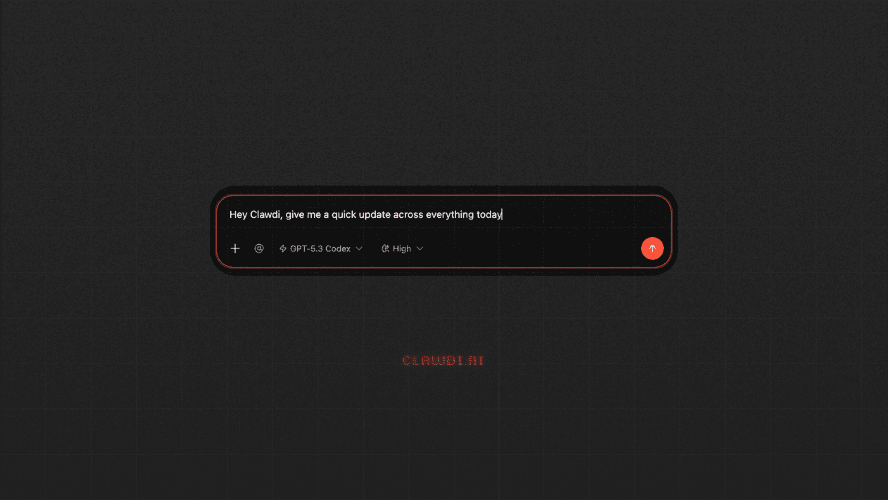
If you’ve just set up Clawdi, first of all, welcome! The setup is pretty easy, and now you just need to get Clawdi to work. We've shared a few examples that focus on email, Slack, or documents. Those are useful, but they’re not the only places where Clawdi can help.
Here are a few simple prompts you can try right away.
1. “What changed in my Stripe revenue today?”
Instead of logging into your dashboard and checking manually, you can get a quick summary of new payments, trends, and anything unusual.
2. “Summarize this Airtable / spreadsheet and highlight anything important.”
Most data isn’t clean or structured and this prompt helps you quickly understand key changes, outliers, and what needs attention.
3. “Prepare me for my next meeting.”
Instead of switching between calendar, notes, and messages, you get context, relevant discussions, and what to focus on.
4. “What do I need to follow up on today?”
A simple but powerful one. It pulls together pending replies, missed messages, and loose ends.
5. “Give me a quick update across everything today.”
This is one of the easiest ways to get started. You get a high-level view of what happened, what matters, and what needs action.
6. “Analyze [stock] and summarize key risks and opportunities.”
If you’re using the Stock Expert agent, this replaces jumping between multiple tools. You’ll get valuation, trends, risks, and a structured breakdown.
7. “What are the key takeaways from this report?”
You don't need to read everything line by line. You can just get a summary, focus on decisions, and skip the noise by asking Clawdi this prompt.
8. “Turn this into a task list.”
It's useful for messy notes, long messages, and rough ideas. You get something structured and actionable.
9. “What did I miss today?”
At the end of the day, this helps you catch unfinished tasks, important updates, and things that slipped through.
10. “Give me a quick plan for [task].”
Whether it’s launching something, writing a post, or organizing work, get a starting point and refine from there. Clawdi can help you with those.
So, Where to Go Next
If you’re looking for more structured workflows, you can also check:
- How to build a small team of specialists → link
- How Clawdi works across tools → for PM, for agency, for SME, for EA and for ecommerce.
You don’t need perfect prompts to get value from Clawdi. Start with simple questions you’d normally ask yourself. And that’s usually enough to save time right away
Clawdi is a tool designed to organize your workflow and save you time across the apps you use every day. It's more than just an AI assistant.
But don't just take our word for it, listen to the people who are already using it and see how it fits into real workflows.
If you have any feedback or thoughts, send us a message on LinkedIn. We're all ears. And we'd love to hear how you use Clawdi.