
Don’t Build One Mega AI Agent. Build a Small Team of Specialists.
The “one god‑agent that does everything” sounds cool but fails in production. A small team of focused assistants—powered by Clawdi—works much better.
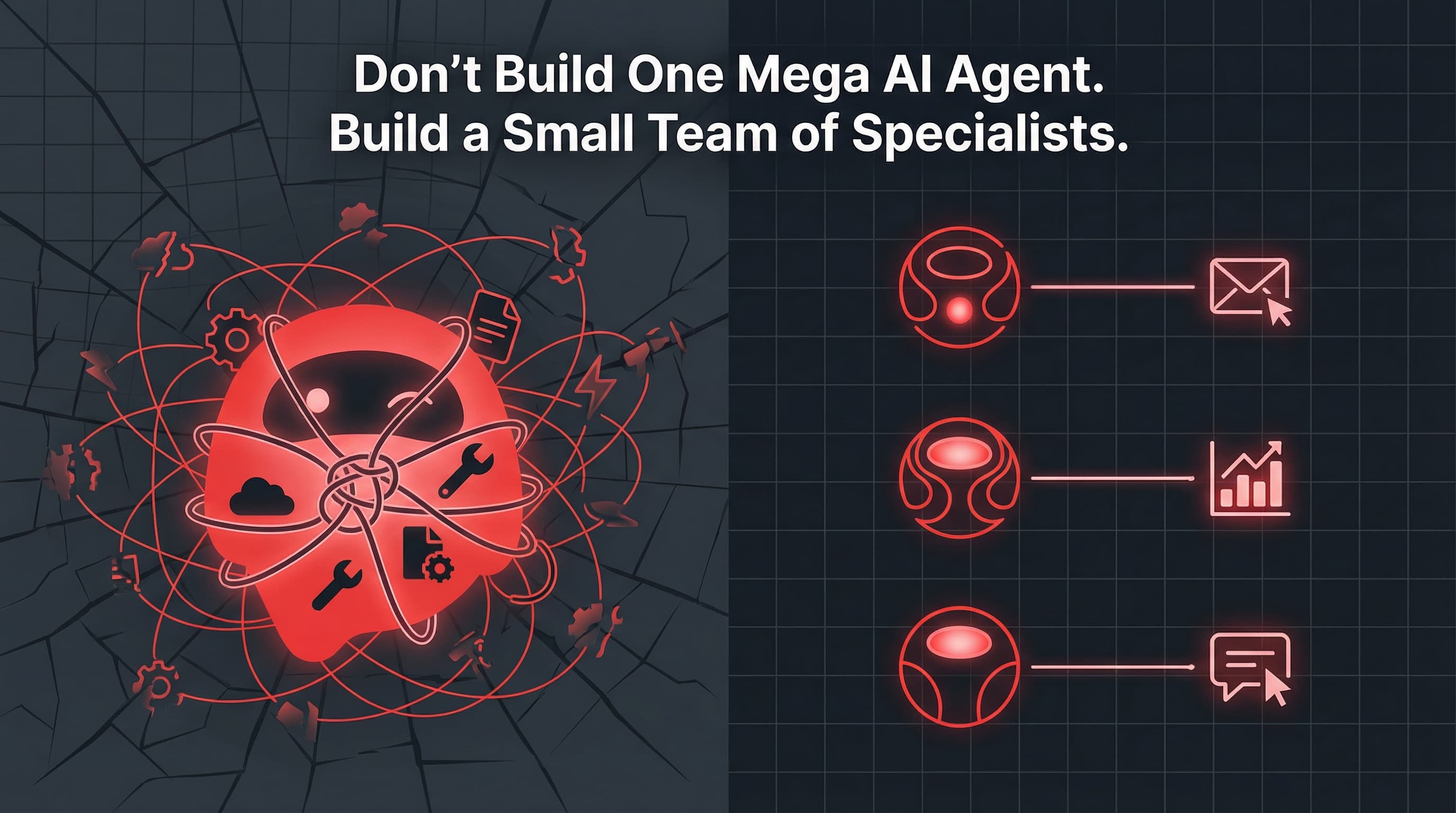
The myth of the mega‑agent
Everyone loves the idea of one all‑knowing AI agent:
“We’ll have a single assistant that can code, write, do growth, run ops, answer support, and manage my calendar.”
In demos, it looks magical. In production, it looks like:
- Confused tool calls
- Hallucinated workflows
- No clear ownership of anything
- One giant prompt nobody wants to touch
Teams that actually ship AI into their stack keep discovering the same thing:
Many small, focused assistants beat one mega‑agent almost every time.
This is especially true when those assistants live close to your tools and data, like they do in Clawdi.
Why mega‑agents fail in practice
Let’s spell out the common failure modes.
1. Prompt sprawl
To make one agent good at everything, you keep adding:
- More instructions
- More examples
- More edge cases
Soon you have a 15‑page prompt that:
- No one understands
- Is impossible to test end‑to‑end
- Has subtle contradictions baked in
Small assistants avoid this: each one has a tight prompt scoped to its job.
2. Tool confusion
When one agent has access to:
- Email, Slack, calendar, CRM, DB, billing, analytics, file systems…
…you rely on the model to *infer* which tool to call based on text alone.
It will:
- Call the wrong tool
- Mix up environments
- Touch prod when it should touch staging
- Or refuse to act because the decision boundary isn’t clear
With specialists, each assistant gets only the tools it needs. The space of valid actions is smaller, so outcomes are much more predictable.
3. No ownership, no metrics
If one mega‑agent is “responsible for everything,” then who owns:
- Onboarding?
- Weekly metrics?
- The newsletter?
- Support SLAs?
In practice, nobody. You get generic capabilities but no clear accountability.
With multiple assistants, you can do this instead:
- Marketing assistant – owns weekly content and social schedule
- Growth assistant – owns weekly metrics and CAC/LTV monitoring
- Support assistant – owns first‑line triage and canned responses
Each assistant has KPIs and expectations, just like a real teammate.
The “small team of assistants” pattern

Here’s the pattern that works well in real teams.
Assistant 1: Founder’s chief‑of‑staff
Job: Keep the founder sane.
- Triage inbox, draft replies
- Maintain a prioritized todo list
- Summarize key docs, threads, and decisions
- Protect focus blocks in the calendar
Tools: Email, calendar, Slack/Telegram, Notion/Docs.
Assistant 2: Growth & analytics
Job: Make sure you actually know how the business is doing.
- Pull weekly KPIs (MRR, DAU/WAU/MAU, activation, trial→paid, churn, CAC/LTV)
- Summarize marketing and ads performance (Google Ads, Meta, etc.)
- Flag anomalies (spend spikes, conversion drops)
Tools: Metabase, GA4, PostHog, ad platform APIs, Stripe.
Assistant 3: Support & success
Job: Be the first responder your users meet.
- Read new tickets/emails
- Classify (bug, feature request, account issue, billing…)
- Propose responses based on docs + previous answers
- Escalate to humans with context when needed
Tools: Helpdesk (Intercom/Zendesk/etc.), docs/wiki, Slack (#support channel).
You can add more over time (DevRel, sales ops, content), but even just these three significantly reduce the load on a 3–10‑person team.
How Clawdi structures this team
Clawdi gives you a natural way to encode this “small team” pattern:
- One workspace per assistant (or per role)
- Each with its own SOUL/AGENTS config, memory, and skills
- Scoped tools per assistant
- Growth assistant gets analytics and DB tools, not prod write access
- Support assistant gets helpdesk + docs, not billing mutations
- Founder assistant gets email/calendar, not migration scripts
- Managed runtime
- Assistants run on your Clawdi deployment, on Phala CVMs
- You manage their jobs and tools, not their infrastructure
Instead of one monster workspace trying to do everything, you have:
- founder-assistant/
- growth-assistant/
- support-assistant/
…each with clear boundaries.
Designing each assistant: job, tools, guardrails
When you define an assistant, think like you’re writing a job description.
- Single primary objective
- Example: “Produce a weekly growth report and push it to #founder‑updates.”
- Limited but powerful toolset
- Just enough tools to do the job end‑to‑end, nothing more:
- Metabase read access
- GA4 via googlesuper
- Slack message send
- No access to billing mutations or destructive ops.
- Guardrails and expectations
- What it should never do (e.g. change customer plans)
- When to escalate to a human
- How often to run (cron/heartbeat schedule)
In Clawdi, this is expressed in the assistant’s workspace files, enabled skills, and crons/heartbeats.
Example: 3‑assistant setup for a seed‑stage SaaS
Imagine a small SaaS with:
- 1–2 founders
- 1–2 engineers
- No full‑time ops, marketing, or CS yet
A realistic Clawdi setup could be:
- Founder assistant
- Connects to: Gmail, Google Calendar, Slack, Notion
- Responsibilities:
- Daily inbox triage summaries
- Draft replies to investors and key customers
- Calendar health check (focus blocks, prep notes)
- Growth assistant
- Connects to: Metabase (DB 10), GA4, Google Ads, Stripe
- Responsibilities:
- Weekly metrics report with trends and commentary
- CAC/LTV and payback period updates for paid channels
- Alerts on anomalies (e.g. “Google Ads CPP spiked 2× vs last week”)
- Support assistant
- Connects to: Intercom/Zendesk, product docs, GitHub issues
- Responsibilities:
- Classify new tickets
- Answer common questions using docs
- Open GitHub issues with clean repro steps for real bugs
- Escalate tricky tickets with context into #support-engineering
Each of these is a separate Clawdi agent with its own scope and tools.
When (if ever) you want a bigger orchestrator
There *is* a place for higher‑level orchestration:
- A router that decides which specialist assistant to involve
- A thin layer that understands:
- “This request is about support → call the Support assistant”
- “This is about CAC → call the Growth assistant”
That router stays thin and dumb:
- It doesn’t own tools itself
- It doesn’t have a 10‑page prompt
- It just dispatches to the right specialist and aggregates their output
Clawdi can support this pattern too: a top‑level agent that delegates to others via internal messaging, while specialists do the real work.
The punchline
Big, do‑everything agents are great for demos and pitch decks.
In real teams with real tools, a small, focused team of assistants works better:
- Easier to reason about
- Easier to secure
- Easier to measure
- Easier to improve
Clawdi is built to make that pattern natural:
- One workspace per assistant
- Scoped skills and tools
- Persistent, managed agents running on your own infra
So instead of asking, “How do we build the one agent that does everything?”, ask:
“What 2–3 assistants would actually make our lives easier this quarter?”
Then build those—and only those—first.