
The First 5 Things to Try with Clawdi (That Actually Save You Time)
Just connected Clawdi? Here are 5 simple things to try first, from inbox summaries to Slack workflows, that can save you time immediately.
Connecting a new tool is usually the easy part, and the harder part is knowing what to do next. It's like you open the app, look around for a few seconds, and then pause... Should you start with email? Slack? Or something else? This is where many tools lose people, not because they’re not useful, but because the first step isn’t obvious. So instead of explaining everything Clawdi can do, here are 5 simple things you can try right away.
1. Start with Your Inbox
If you do nothing else, start here.
Just ask: “Summarize my inbox and highlight anything urgent.”
Within a few seconds, you’ll get a clear view of what actually matters. From there, you can follow up with: “Draft replies for the important ones.”
This alone can save you 15–30 minutes, especially on busy days.
Here's a tutorial video if you'd like to dig deeper.
2. Turn a Slack Thread into Action Items
Slack is where decisions happen. But it’s also where things get lost.
Pick a busy channel or thread and ask: “Summarize this conversation and list action items.”
Instead of scrolling, you get key points, what needs to be done, and who should follow up. This is one of the fastest ways to reduce noise.
Also, if your team uses other communication tools like Discord or Microsoft Teams, all you need to do is link them to Clawdi, and then let Clawdi summarize the chat and more.
3. Find Something in Notion You Forgot About
Most Notion workspaces are full of useful information that’s hard to find.
Try: “Search my Notion for pages about onboarding” or “Summarize my product roadmap.”
Instead of navigating through pages, you get the answer directly.
4. Prepare for a Meeting in One Step
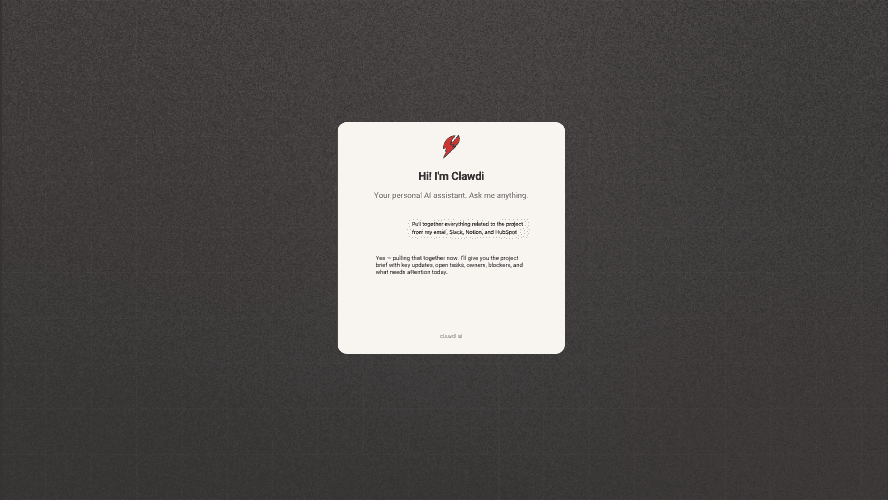
Before your next meeting, try “Pull together everything related to [client/project] from my email, Slack, and Notion.”
This replaces searching emails, opening multiple tabs, and piecing things together manually.
You start the meeting with context already in place.
5. Do One Small Task You’d Normally Do Manually
This is the simplest way to understand the value.
Pick something small, like drafting a follow-up, summarizing updates, and organizing notes.
Then ask Clawdi to handle it. For example: “Summarize today’s updates and draft a follow-up message.”
It doesn’t need to be perfect. It just needs to save you a few steps.
Why This Matters
The value of a tool like Clawdi doesn’t come from one big feature. It comes from removing small pieces of friction throughout your day. Each task might save a few minutes. But over time, those minutes add up.
Where People Get Stuck
Most people don’t try enough. They connect their tools, run one test, and stop. The better approach is to try a few different workflows and see where they fit into your day.
Well, it's time to start here >>> https://clawdi.ai/
The rest becomes obvious over time.