How to Stop Your OpenClaw Agents from Leaking Credentials (Without Slowing Down Shipping)
OpenClaw is exploding—and so are credential leaks. Here’s a practical hardening checklist and how Clawdi keeps your agents fast, safe, and isolated.
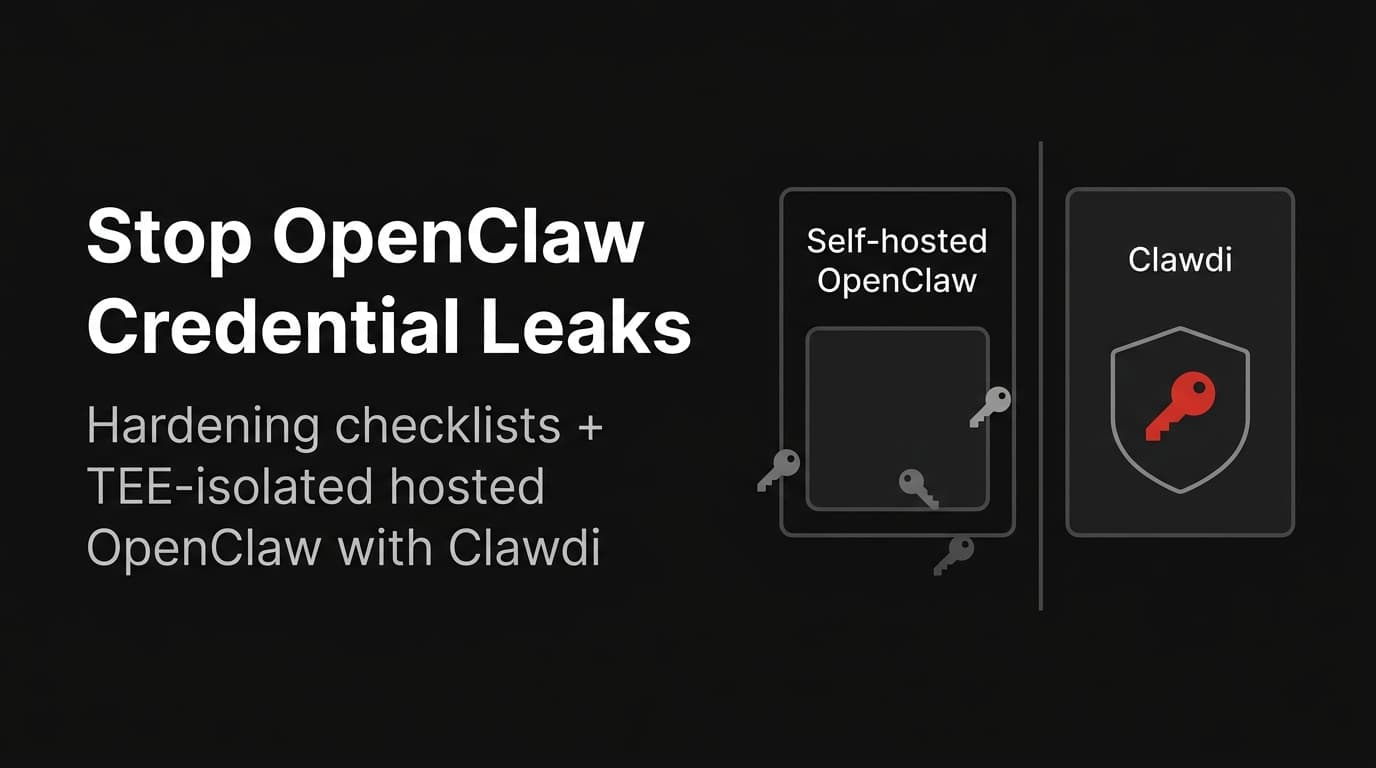
The OpenClaw Credential Leak Problem, in Plain English
OpenClaw has gone from “cool open-source experiment” to “I’m wiring this into my company’s real systems” in a matter of weeks.
That’s great for productivity. It’s less great for secrets.
If you scroll through LinkedIn right now, you’ll see a pattern:
- Posts about keys being stolen in real-time
- Audits finding new classes of OpenClaw security issues
- Startups building tooling just to plug the credential leak hole
The root issue isn’t that OpenClaw is “insecure by design.” It’s that we’re connecting extremely powerful agents into environments where:
- API keys live in dozens of places
- Permissions are way too broad
- There’s no clear boundary between “playground” and “production”
If you point that at OpenClaw and say “go automate my work,” you get exactly what you asked for: a powerful system that can also exfiltrate everything it can see.
This post has two parts:
1. A practical hardening checklist for anyone running OpenClaw themselves 2. How Clawdi gives you the same power with TEE‑grade isolation and managed ops, so you don’t spend your weekends chasing leaks
How OpenClaw Ends Up Leaking Credentials
Before fixing it, it’s worth naming the main failure modes we’re seeing in the wild.
Everything in Environment Variables
The fastest way to get started with OpenClaw is to throw everything into `.env`:
- `OPENAI_API_KEY`, `ANTHROPIC_API_KEY`, `STRIPE_SECRET_KEY`
- GitHub, Slack, Google, Notion tokens
- Internal service tokens for billing, user data, analytics
OpenClaw’s skills then read from that environment. That’s convenient… and it also means:
- Any agent that can run arbitrary code can read those secrets
- Any skill that isn’t carefully scoped can log or forward them by accident
- Any compromise of the OpenClaw host gives an attacker the full keys‑to‑the‑kingdom set
Overpowered Skills and Connectors
It’s tempting to expose “god‑mode” skills to your agents:
- “Run arbitrary shell commands on the host”
- “Read/write any file in the repo”
- “Push arbitrary commits to any GitHub repo”
- “Access any database with a single URL”
These are great for demos. In production, they’re how agents:
- Stumble into `.env` and plaintext config files
- Pick up AWS credentials from `~/.aws` or `kubeconfig`
- Leak internal data out via logs, chat messages, or 3rd‑party tools
No Separation Between Playground and Production
Most OpenClaw users start on a laptop or dev box. Then, slowly:
- That same instance gets pointed at real customer data
- More colleagues start using it
- Someone opens up SSH or a reverse proxy so remote tools can hit it
You wake up one morning and you’re running:
> “Production OpenClaw” on a machine that was never designed to be production anything.
With that, every new skill you install—and every new agent you give access—has a direct line into:
- Real databases
- Internal dashboards and logs
- CI/CD pipelines and deployment credentials
A single mis‑scoped skill or prompt injection is now enough to turn “helper agent” into “data exfiltration pipeline.”
No Observability or Approvals
Finally, many DIY OpenClaw setups run in “trust me bro” mode:
- No centralized logging of agent actions
- No approvals for high‑risk operations
- No easy way to answer “what exactly did this agent do?” after an incident
If you can’t see what agents are doing, you can’t secure them—or explain incidents to your security and compliance teams.
Part 1: A Practical Hardening Checklist for Self‑Hosted OpenClaw
You don’t need a full platform migration tomorrow to get safer. Start with these steps on any DIY OpenClaw deployment.
1. Separate Playground from Production
Run at least two environments:
- **Playground**
- For experimentation, personal scripts, and internal toys
- Limited or fake data, no production keys
- **Production**
- Locked down, monitored, with narrower capabilities
- Only the skills and credentials needed for real workflows
Treat “playground OpenClaw” like a dev box. Treat “production OpenClaw” like any other critical service.
2. Move Secrets Out of `.env` and off the Host
Reduce the number of places secrets live:
- Use a **secrets manager** (Vault, AWS Secrets Manager, GCP Secret Manager, etc.)
- Give OpenClaw access to **specific secrets**, not the whole vault
- Avoid storing long‑lived keys on disk; prefer short‑lived tokens where possible
On the host itself:
- Keep `.env` minimal—just enough to bootstrap secret access
- Avoid putting cloud root keys, Stripe live keys, or database super‑user credentials into the same environment as your agents
If an attacker lands on the host, they shouldn’t immediately get every secret your company owns.
3. Scope Skills to Least Privilege
Instead of one giant “system” skill, create smaller, narrower skills:
- A “billing” skill that can only hit specific Stripe endpoints
- A “support tooling” skill that can only query certain tables or APIs
- A “reporting” skill that can only read, not write
For each skill, ask:
> What is the smallest set of actions this agent actually needs?
Then make that explicit in the skill definition and in any underlying API keys or service accounts.
4. Wrap Dangerous Operations in Approvals
Any action that can:
- Touch production infrastructure
- Modify billing or financial data
- Access PII or sensitive logs
…should require a **human approval step.**
At the OpenClaw layer, that means:
- Skills that mark actions as “pending approval” rather than executing immediately
- A UI or chat‑based flow where humans can see, approve, or block individual requests
- Clear logs of who approved what, when, and why
This lets you keep velocity while putting brakes on the small number of things that can really hurt you.
5. Add Logging and Auditing from Day One
Log at least:
- Which agent ran
- Which skills it called
- Key parameters (redacted where necessary)
- Outcome: success, failure, approval requested/received
Store logs somewhere your security and infra teams already use (ELK, Datadog, CloudWatch, etc.).
When something weird happens, you want to be able to answer in minutes, not days:
- What did this agent do?
- Which secrets did it access?
- What external systems did it touch?
6. Regularly Review Access and Usage
Finally, treat OpenClaw like any other privileged system:
- Review which agents exist and what they can do
- Clean up unused skills and credentials
- Rotate keys on a schedule
- Run periodic “red team” style tests where you try to exfiltrate secrets through agents
Hardening isn’t a one‑off project; it’s a practice.
Part 2: How Clawdi Gives You Hosted OpenClaw Without the Secret‑Leak Anxiety
If all of the above feels like “a lot” to bolt on yourself, that’s exactly the problem Clawdi is designed to solve.
Clawdi gives you OpenClaw‑powered agents in a hosted, TEE‑isolated environment, with security and operations baked in from day one.
1. TEE‑Isolated Hosted OpenClaw
Clawdi runs OpenClaw inside hardware‑backed trusted execution environments (TEEs).
Even if the host is compromised, the enclave remains isolated by design.
That means:
- Your credentials and sensitive data live inside TEEs, not in `.env` files scattered across machines
- The attack surface is smaller: compromising the host isn’t enough
2. Scoped Capabilities, Not Free‑For‑All Access
In Clawdi, agents don’t start life with “can do anything anywhere.”
Instead:
- You define capabilities: concrete things an agent is allowed to do
- Access to data, APIs, and actions is explicitly granted
- Every LLM call and action can be logged and audited
This lines up with what the OpenClaw ecosystem is converging toward: capability‑based security, human‑in‑the‑loop approvals, and transparent execution logs. Clawdi bakes that into the platform.
3. Human‑in‑the‑Loop Built In
Rather than bolting approval flows on later, Clawdi treats human oversight as a first‑class concept:
- Critical actions (touching production systems, secrets, PII) can require explicit approval
- Approvals and rejections are logged so you can reconstruct any incident
- You can adjust policies as your usage matures—from “ask me for everything” to “only ask for high‑risk actions”
The result: you get the speed and convenience of agents, without going fully “hands off” on the parts that can hurt.
4. Managed Ops and Predictable Cost
Deploying OpenClaw yourself means:
- Provisioning and maintaining infra
- Handling upgrades and security patches
- Watching for runaway usage that leads to surprise API bills
Clawdi’s model is different:
- 1‑click launch of OpenClaw‑powered agents
- Managed infrastructure and operations
- Predictable pricing instead of “hope your OpenAI bill isn’t 10x next month”
You still get the flexibility of OpenClaw—memory, skills, composable workflows—but in a production‑grade shell designed for teams who care about uptime, compliance, and budgets.
When Should You Move from DIY OpenClaw to Clawdi?
Use this rough heuristic:
- If you’re experimenting on your own laptop with toy data → DIY OpenClaw is fine
- If your agents touch:
- real user data
- billing systems
- internal dashboards and logs
- production infrastructure
…then you probably don’t want to duct‑tape security and ops forever.
That’s where Clawdi makes sense:
- You keep the OpenClaw mental model and ecosystem you’ve already invested in
- You get TEE isolation, scoped capabilities, approvals, and managed ops out of the box
- Your team can focus on building useful agents, not babysitting secrets and servers
Wrap‑Up
The OpenClaw ecosystem is moving fast. The community is discovering vulnerabilities, building security tools, and hardening patterns in real time.
You have two clear paths:
1. Harden your self‑hosted OpenClaw using the checklist above 2. Or let Clawdi handle the infrastructure, isolation, and ops, while you focus on what your agents should do
If you’re already hitting the limits of “one machine + a giant .env file,” it might be time to move your OpenClaw agents into an environment designed for long‑term, secure, production use.
That’s what we’re building Clawdi for.