How to Connect OpenClaw to Telegram (and Why It Matters)
Learn how OpenClaw works with Telegram, what a Telegram-connected assistant can do, and the easiest way to get it running without setup friction.
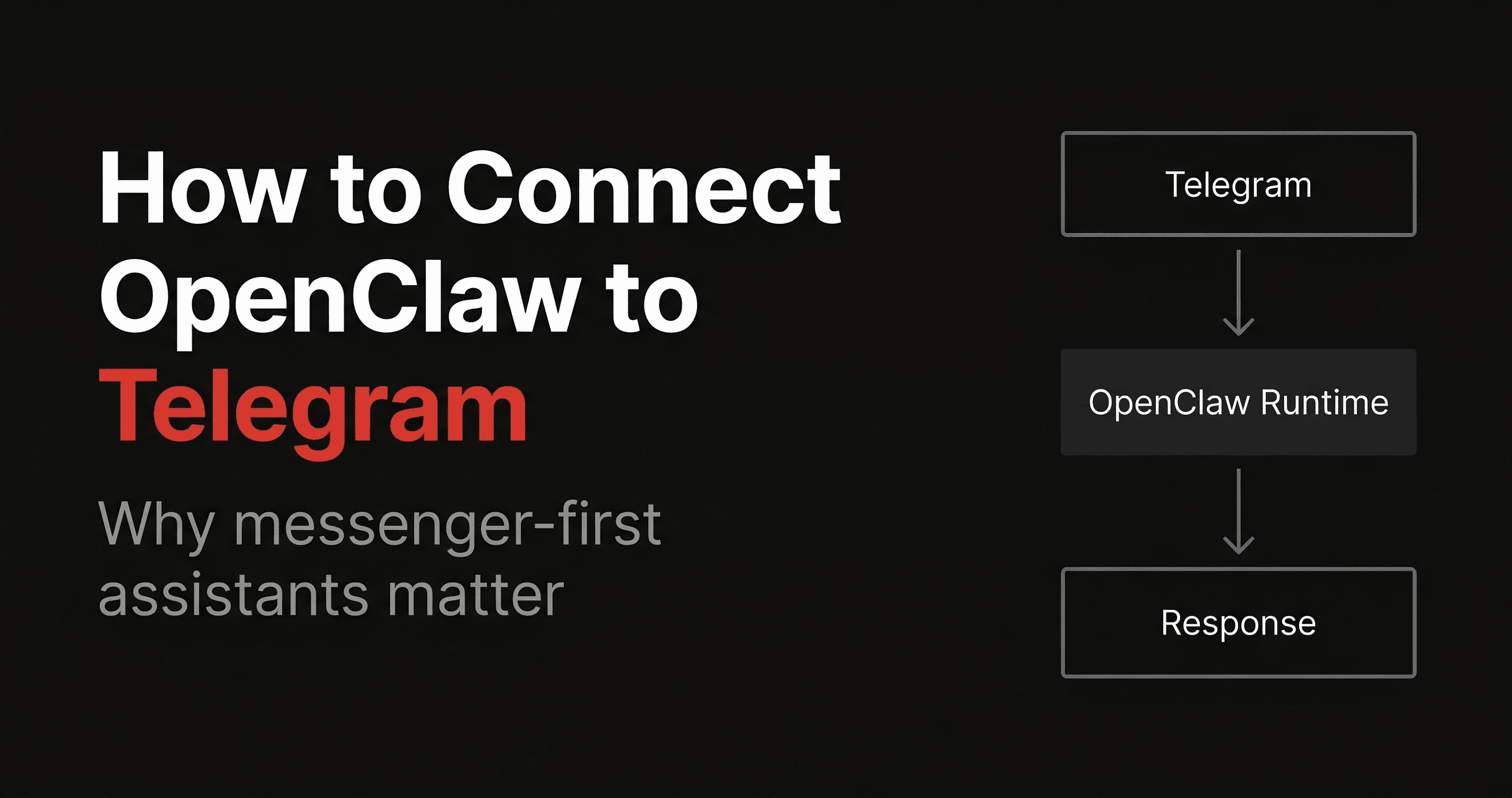
One of the most compelling things about OpenClaw is that it does not have to live in a browser tab.
It can live in Telegram.
That changes the experience a lot.
Instead of opening a dashboard every time you want to use your AI assistant, you can just message it like a person. That is a big reason people search for terms like:
- OpenClaw Telegram
- OpenClaw Telegram bot
- how to connect OpenClaw to Telegram
- OpenClaw assistant in Telegram
This guide explains what that setup means, why it matters, and the easiest way to get there.
Why run OpenClaw in Telegram?
Telegram is a natural home for a personal assistant because it is already part of many people’s daily workflow.
When OpenClaw is connected to Telegram, you get an experience that feels:
- more available
- more conversational
- easier to use throughout the day
- more like messaging an assistant than “using software”
That is a real advantage.
The less friction there is between you and the assistant, the more often you actually use it.
What a Telegram-connected OpenClaw assistant can do
The exact capabilities depend on the setup, but the appeal is straightforward.
You can message the assistant in Telegram and have it:
- answer questions
- keep context across conversations
- search the web
- work from its workspace and memory files
- handle task-oriented assistant workflows
- feel persistent instead of one-off
For founders, operators, and technical users, this is one of the most useful OpenClaw deployment patterns.
What connecting OpenClaw to Telegram usually involves
On the self-hosted path, connecting OpenClaw to Telegram usually means handling a few moving parts:
- creating or configuring a Telegram bot
- setting the right token and config values
- managing authorization or allowlists
- making sure the assistant runtime stays online
- debugging if messages are not received or not handled correctly
That is manageable for technical users.
But it is also one of the places where deployments get annoying.
Because the assistant can look almost working while still failing in some important way.
Common issues with OpenClaw + Telegram setups
A Telegram-connected assistant is great when it works. The frustrating part is that several different things can break the experience.
Typical issues include:
- bot token problems
- authorization mismatches
- config errors
- gateway or runtime problems
- deployment health issues
- the assistant appearing online but not replying correctly
That is why many users search for Telegram-specific OpenClaw help in the first place.
The channel is valuable enough that people want it working early.
Why Telegram is such a strong OpenClaw use case
Telegram is probably the cleanest “proof of usefulness” channel for OpenClaw.
If your assistant is in Telegram, you can immediately feel the value of:
- persistence
- accessibility
- speed
- real-world utility
It is one of the fastest ways to turn OpenClaw from “interesting project” into “something I actually use.”
That makes Telegram content an especially strong SEO and conversion wedge for Clawdi.
Self-hosted Telegram setup vs hosted Telegram setup
If you self-host OpenClaw, Telegram connection is part of the DIY flow.
That means more flexibility, but also more room for setup friction.
If you use a hosted OpenClaw platform like Clawdi, the value is not just hosting. It is simplifying the path to a working Telegram-connected assistant.
That is the real difference.
Not whether Telegram works in theory.
Whether you can get to a useful Telegram assistant quickly and keep it reliable afterward.
Why Clawdi is a good fit for OpenClaw on Telegram
Clawdi is compelling for Telegram-heavy users because it is designed around getting OpenClaw deployed and managed more easily.
So instead of asking:
- how do I wire every part of this manually?
you can focus on:
- what do I want this assistant to actually do?
That is a much better place to start.
If Telegram is your main interface, the quality of the deployment experience matters even more because any instability is immediately visible in daily use.
Best OpenClaw Telegram use cases
A Telegram-connected OpenClaw assistant is especially strong for:
Personal executive assistant
Quick questions, reminders, summaries, notes, and follow-ups.
Founder ops
Message the assistant during the day for research, content drafts, updates, and business monitoring.
Team-adjacent workflows
Use Telegram as the easiest lightweight interface to trigger or inspect certain workflows.
Always-on personal AI assistant
If your goal is simply to have a capable assistant you can message from anywhere, Telegram is hard to beat.
Final takeaway
Connecting OpenClaw to Telegram is one of the most useful ways to use the platform.
It makes the assistant more accessible, more persistent, and more woven into daily life.
The challenge is that Telegram setup is also one of the places where self-hosted friction shows up fastest.
If you want OpenClaw in Telegram without the usual deployment hassle, Clawdi is the easiest path to look at.
Want OpenClaw running in Telegram faster?
Use Clawdi to deploy and manage OpenClaw, then get to the Telegram assistant experience without so much setup drag.