Hosted OpenClaw vs Self-Hosted OpenClaw: Which One Should You Choose?
Compare hosted OpenClaw and self-hosted OpenClaw across setup speed, control, reliability, cost, and who each option is best for.
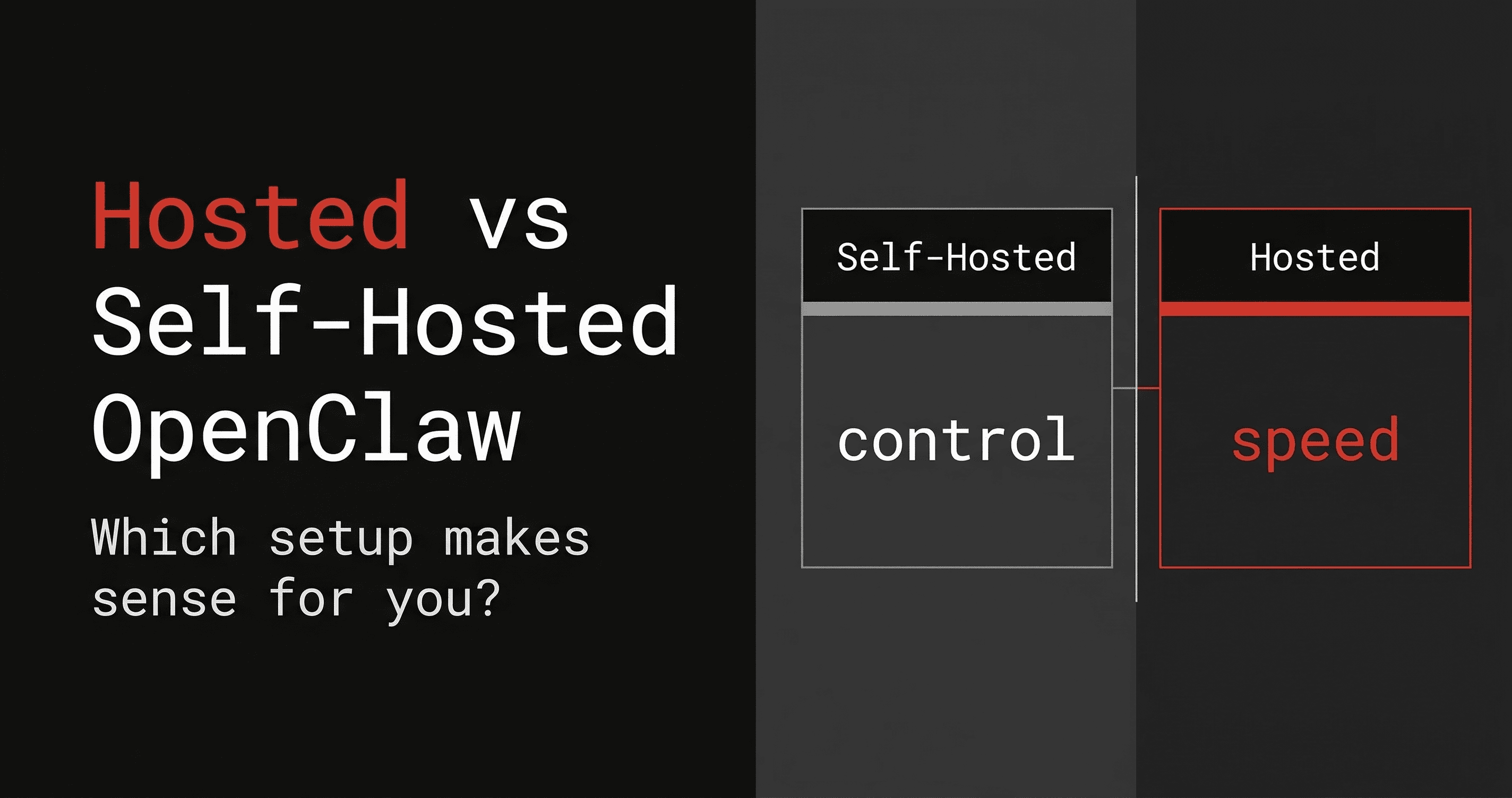
If you already know you want OpenClaw, this is the decision that actually matters.
Not whether OpenClaw is interesting.
Whether you want to self-host OpenClaw or use a hosted OpenClaw setup.
Both paths can work. They just optimize for very different things.
This guide breaks the decision down clearly.
Short version
Choose self-hosted OpenClaw if you want maximum control and do not mind setup and maintenance.
Choose hosted OpenClaw if you want to get live faster and avoid most of the operational hassle.
That is the real tradeoff.
Control vs convenience.
But there are a few more details worth unpacking.
What self-hosted OpenClaw gives you
Self-hosting OpenClaw means you are responsible for the environment where it runs.
That could be:
- your laptop
- a desktop machine
- a VPS
- another server you manage yourself
Best things about self-hosting
1. You control the environment
You decide where it runs, how it is configured, what models it uses, how files are organized, and how deep you want to customize things.
2. You can go very local-first
If your goal is to keep everything as close to your own environment as possible, self-hosting is naturally appealing.
3. You can shape the system exactly how you want
For advanced users, this is a major upside. You are not waiting for product abstractions to catch up.
Biggest downsides of self-hosting
1. Setup takes longer
The more flexible a system is, the more work it usually takes to get right.
2. Reliability becomes your job
If your laptop sleeps, your network changes, or your config drifts, the assistant may stop behaving the way you expect.
3. Troubleshooting is part of the package
Even if you enjoy it, this is still overhead.
What hosted OpenClaw gives you
Hosted OpenClaw is for users who want the assistant more than they want the infrastructure project.
Instead of manually standing everything up, you use a hosted deployment path that gets OpenClaw running with much less effort.
Best things about hosted OpenClaw
1. Faster time to value
This is the biggest advantage.
You spend less time configuring and more time actually using the assistant.
2. Better fit for always-on usage
A hosted setup is usually better if your assistant needs to stay reachable in Telegram or other channels.
3. Simpler management experience
Dashboard-based controls and hosted provisioning make the whole experience easier for users who are not trying to become full-time infra maintainers.
Biggest downsides of hosted OpenClaw
1. Less raw control
You are opting into a productized layer rather than building everything from scratch.
2. Not ideal for strict local-only users
If your standard is “I want every part of this fully on my own machine and under my direct hand,” hosted will feel like a compromise.
Hosted OpenClaw vs self-hosted OpenClaw by category
Setup speed
Winner: Hosted OpenClaw
Hosted is the better fit if you want to go from interest to working assistant quickly.
Customization
Winner: Self-hosted OpenClaw
Self-hosting gives you the deepest flexibility.
Reliability
Winner: Hosted OpenClaw, for most users
A hosted environment is usually more reliable than something tied to a personal laptop.
Debugging burden
Winner: Hosted OpenClaw
Less of the setup surface is your problem.
Privacy / control feeling
Winner: Self-hosted OpenClaw, if total control is your priority
Though hosted products with strong security and attestation positioning can narrow the gap for many users.
Ease of adoption
Winner: Hosted OpenClaw
This is where most non-infra users care the most.
Why hosted OpenClaw is a stronger fit for most interested users
This is the uncomfortable truth:
A lot of users who say they want self-hosted OpenClaw actually want one of two things:
- the feeling of control, or
- the result of having OpenClaw running.
Those are not the same thing.
If what you really want is a persistent OpenClaw assistant in Telegram that stays online and is easy to manage, hosted is often the more honest answer.
It gets you to the outcome faster.
Where Clawdi fits in
Clawdi is built around the hosted OpenClaw path.
It is not trying to replace OpenClaw. It is trying to make OpenClaw much easier to deploy and manage.
That means Clawdi makes the most sense if you want:
- hosted OpenClaw
- a dashboard for management
- simpler provisioning
- less setup drag
- a better path from signup to first useful assistant interaction
If OpenClaw is the platform, Clawdi is the layer that turns it into a faster product experience.
Who should choose self-hosted OpenClaw?
Choose self-hosted OpenClaw if:
- you enjoy working close to the metal
- you want full environment ownership
- you are comfortable debugging config and runtime issues
- you are okay paying the time cost for control
Who should choose hosted OpenClaw?
Choose hosted OpenClaw if:
- you want to move quickly
- you want less friction between signup and value
- you care about uptime and ease more than raw DIY purity
- you want OpenClaw without turning it into an ops hobby
Final takeaway
Self-hosted OpenClaw is best for control.
Hosted OpenClaw is best for speed, simplicity, and everyday usability.
Most people do not need more knobs. They need a working assistant.
That is why the hosted path is so compelling.
Want hosted OpenClaw without the usual setup hassle?
Use Clawdi to deploy and manage OpenClaw faster, with less infrastructure work on your side.